
.png)

Description
Download Tanki Online – Free Multiplayer Tank Battle Game
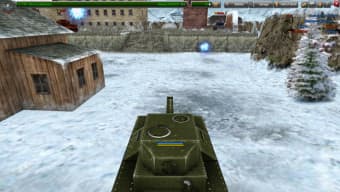
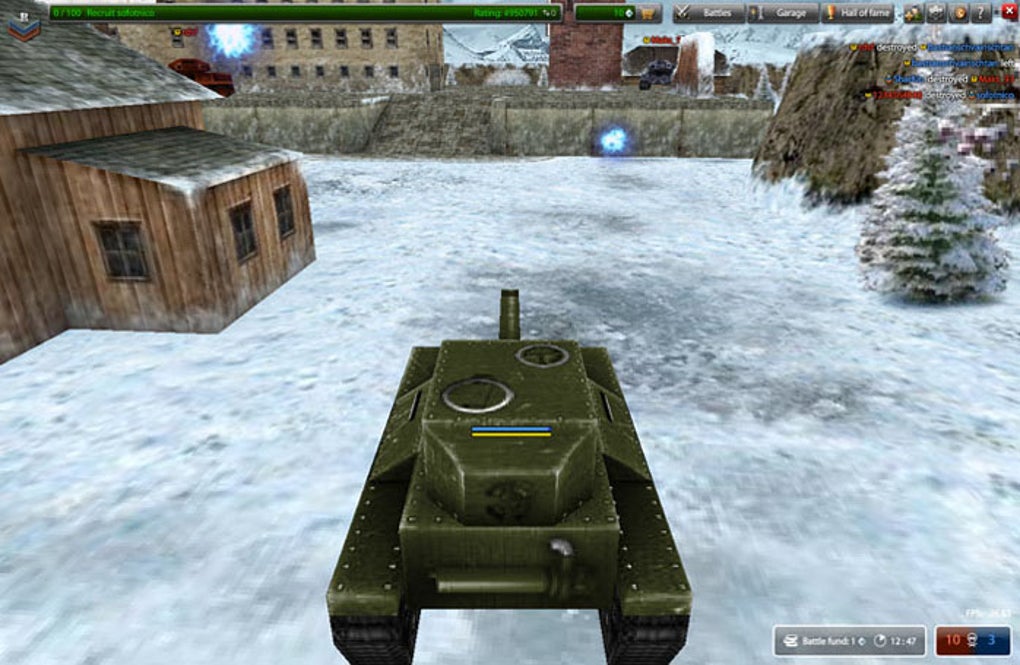
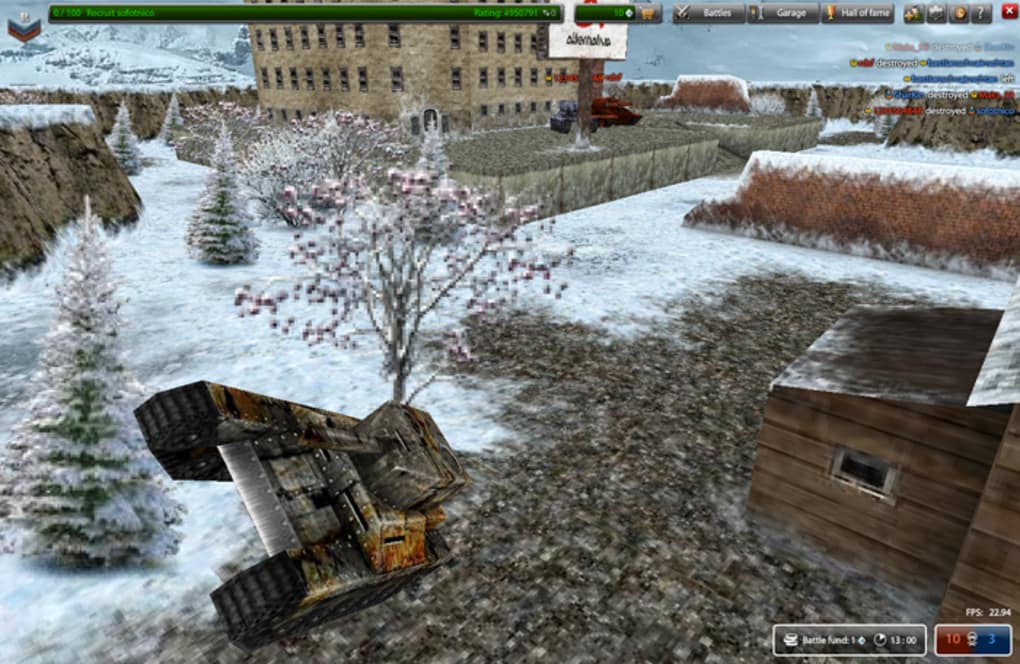
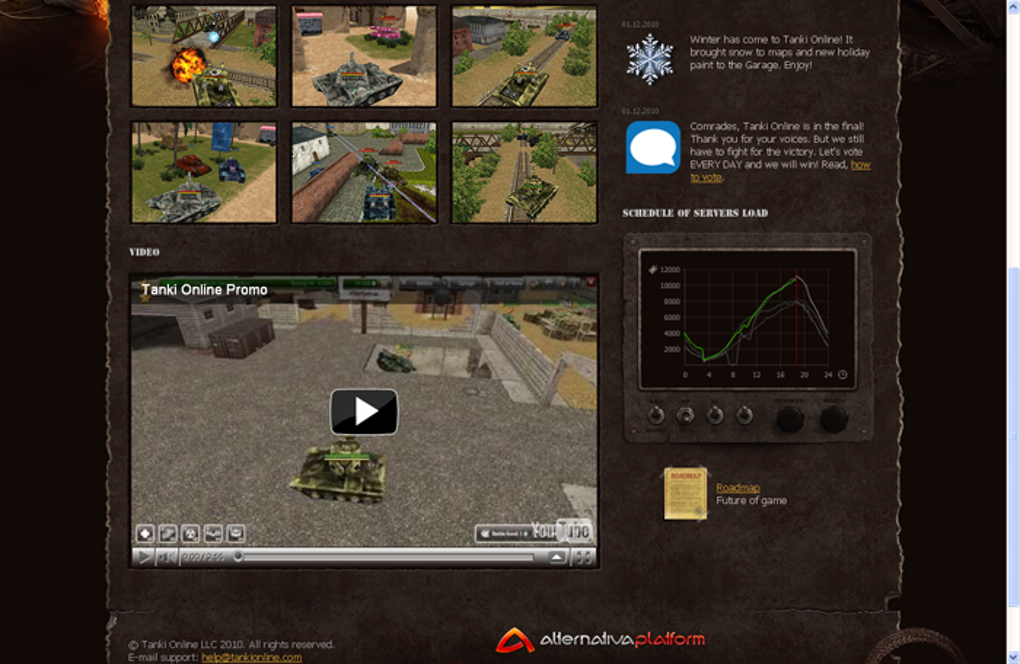
Tanki Online is a free‑to‑play browser‑based arena shooter that puts you behind the hatch of a heavily armed tank. From the moment the game loads, bright, stylised graphics and fast‑paced combat draw you into a world where every match is a test of reflexes, positioning, and tactical upgrades. Players navigate a variety of maps, from open deserts to cramped industrial complexes, aiming to destroy opponents, capture bases, and claim victory. While the initial adrenaline rush is undeniable, the game’s longevity depends on how well its core systems—customisation, progression, and community events—keep the experience fresh. In this review we’ll break down what makes Tanki Online stand out, examine its feature set, walk through the installation process, and weigh the pros and cons so you can decide whether it’s worth adding to your gaming roster.
Key Features and Gameplay Mechanics
- Real‑time PvP battles with up to 15 players per match.
- Extensive tank customisation: hulls, turrets, and modules.
- Seasonal events and limited‑time game modes.
- Progressive ranking system with daily quests.
- In‑game economy based on credits, gold, and premium currency.
- Cross‑platform play via web browsers and dedicated clients for Windows and macOS.
- Regular balance patches and visual updates from the developers.
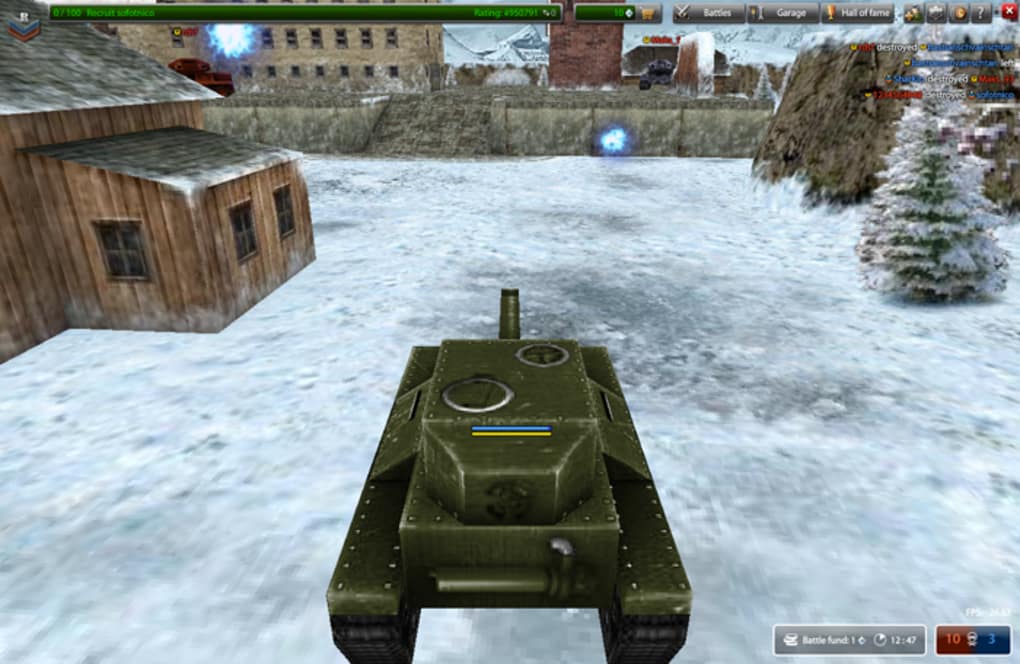
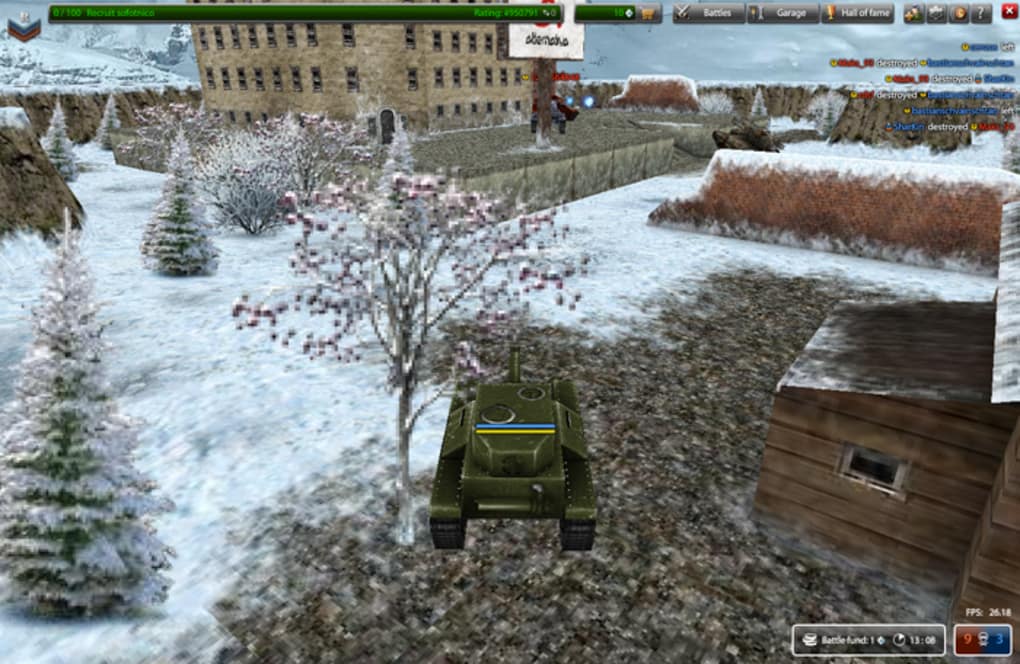
The heart of Tanki Online lies in its fast‑paced tank combat. Each match begins with a brief countdown, after which you control a tank equipped with a primary weapon (cannon, laser, or machine gun) and a secondary module (shield, speed boost, or mine layer). The maps are thoughtfully designed: open arenas reward long‑range sniping, while tighter corridors favour close‑quarter tactics and explosive traps. Because every tank can be upgraded, players often develop a personal “meta”—a combination of hull durability, firepower, and utility that matches their play style.
Beyond the core battle mode, Tanki Online offers a rotating roster of special events. For example, the “Capture the Flag” mode introduces a strategic objective that forces teams to coordinate attacks and defend key points. Seasonal events bring exclusive skins and limited‑time rewards, encouraging players to log in regularly. The progression system is anchored by daily quests that grant experience points and in‑game currency, providing a clear sense of advancement even for casual players.
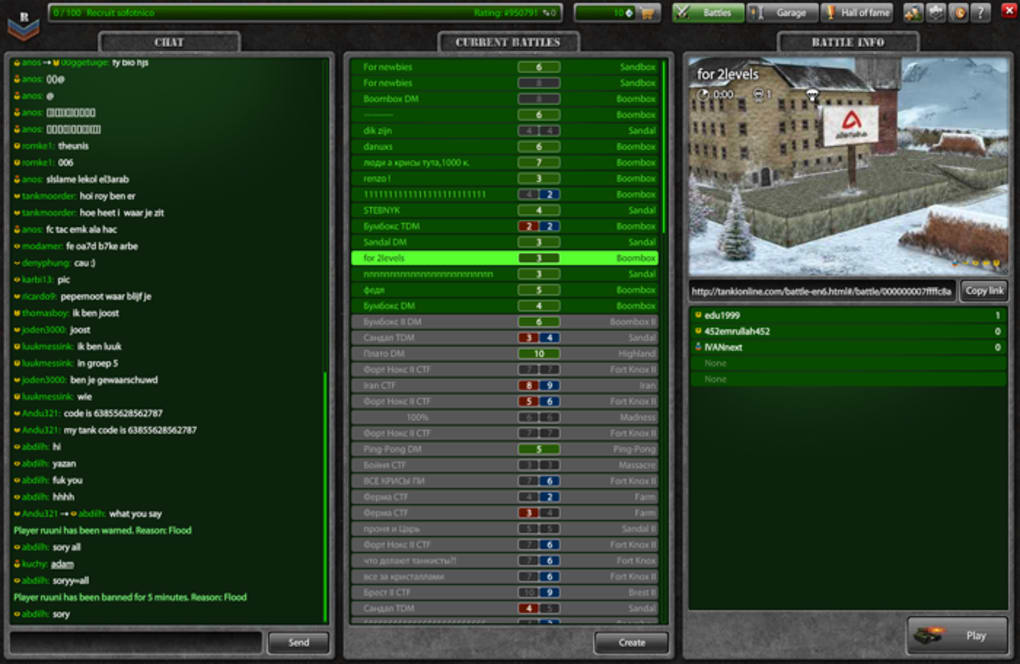
Community interaction is another strong point. The built‑in chat lets you coordinate with teammates, while the global leaderboard showcases the top tank commanders. The developers maintain an active forum where balance changes, upcoming features, and bug reports are discussed openly, fostering a sense of shared ownership among the player base.
Installation, Usage, and System Compatibility
Getting started with Tanki Online is straightforward. The game runs directly in modern web browsers that support HTML5 and WebGL, meaning there’s no need for a bulky download or installation wizard for casual play. For those who prefer a dedicated client, a lightweight installer is available for Windows 7/8/10/11 and macOS Catalina or newer. The installer size is under 150 MB and performs a quick verification of system libraries before launching the game.
Step‑by‑step installation guide:
- Visit the official Tanki Online website and click the “Download” button for your operating system.
- Run the downloaded
.exe(Windows) or.dmg(macOS) file. - Follow the on‑screen prompts to accept the EULA and choose an installation folder.
- Allow the client to download additional assets (approximately 300 MB) – this only occurs once.
- Launch the game, create a free account or log in with an existing one, and you’re ready to fight.
The game’s Windows, macOS, Linux (via browser), Android and iOS (via mobile web) compatibility ensures that players can jump into a match from virtually any device. Minimum system requirements are modest: a dual‑core CPU, 2 GB RAM, and an integrated graphics chip that supports OpenGL 2.0 or higher. This low barrier to entry makes Tanki Online accessible to users with older hardware, though a stable broadband connection (minimum 3 Mbps) is recommended for smooth gameplay.
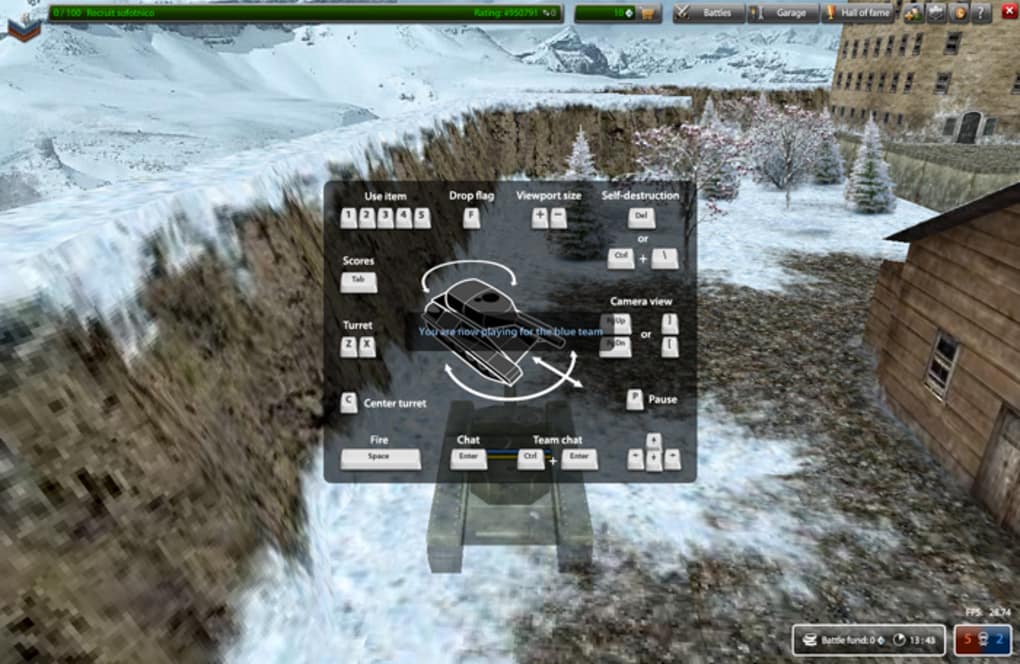
Once inside, the user interface is clean and intuitive. The main menu offers quick links to “Play”, “Garage”, “Shop”, and “Events”. The “Garage” screen lets you preview and equip your tank modules, while the “Shop” provides micro‑transactions for premium cosmetics and faster progression. Controls are fully customisable; you can use keyboard‑mouse combos or map actions to a gamepad for a more console‑like experience. Tutorials are embedded in the first few matches, guiding new players through movement, aiming, and basic tactics.
Pros, Cons, Frequently Asked Questions, and Final Verdict
Pros
- Free to download and play with a generous amount of content.
- Fast, responsive combat that rewards skill and strategy.
- Extensive customisation options for tanks and weapons.
- Regular updates and seasonal events keep the game fresh.
- Cross‑platform support allows friends on different devices to play together.
Cons
- Monetisation can feel aggressive for players chasing premium cosmetics.
- Match variety may feel repetitive after extended play sessions.
- In‑game chat can be noisy, requiring players to mute or filter messages.
- Balance patches occasionally swing power heavily toward newly released tanks.
- Limited single‑player content; the experience is primarily PvP.
Frequently Asked Questions
Is Tanki Online truly free or are there hidden costs?
The core game is completely free. All tanks, weapons, and maps can be accessed without spending real money. Optional purchases are limited to cosmetic skins, premium currency, and convenience items that speed up progression.
Can I play Tanki Online on a mobile device?
Yes. The game runs in modern mobile browsers on Android and iOS. A touch‑friendly UI is automatically enabled, though the experience is smoother on a desktop with a mouse and keyboard.
What are the system requirements for the desktop client?
Windows 7/8/10/11 or macOS Catalina (10.15) or later. Minimum 2 GB RAM, a dual‑core CPU, and graphics support for OpenGL 2.0+. A broadband connection of at least 3 Mbps is recommended.
How does the ranking system work?
Players earn experience points (XP) from each match, daily quests, and event participation. XP contributes to a level that unlocks new tanks and modules. Additionally, a seasonal ranking based on win‑loss ratio places you on leaderboards for each tier.
Is there a way to report toxic behavior in the game?
Yes. The in‑game interface includes a “Report” button next to each player’s name. Reports are reviewed by the moderation team, and repeat offenders can receive temporary bans or permanent account suspension.
Final Verdict
Tanki Online delivers a solid blend of arcade‑style shooting and strategic tank customisation that will satisfy both casual gamers and competitive PvP enthusiasts. Its free‑to‑play model, low system requirements, and regular content updates make it an attractive option for anyone looking for a fast, accessible battle arena. While the monetisation strategy and occasional gameplay repetition are valid concerns, they do not outweigh the sheer fun of hopping into a match and unleashing a barrage of firepower. If you enjoy fast‑paced multiplayer shooters and are looking for a game that you can jump into without a hefty download, Tanki Online is definitely worth a try.
Ready to roll out the hatch? Download Tanki Online now and join thousands of players battling across vivid, ever‑evolving arenas.
Guides & Tutorials for Tanki Online
How to install Tanki Online
- Click the Preview / Download button above.
- Once redirected, accept the terms and click Install.
- Wait for the Tanki Online download to finish on your device.
How to use Tanki Online
This software is primarily used for its core features described above. Open the app after installation to explore its capabilities.
User Reviews for Tanki Online 0
No reviews found




